
You filed a complaint with MEPCO and now you’re waiting. This is where CCMS complaint tracking comes in: instead of calling the helpline every day, you can check exactly where your complaint stands and what happens next.
CCMS (Customer Complaint Management System) is the official portal run by PITC that handles complaints for all Pakistani distribution companies, including MEPCO. Every complaint — whether you filed it online, by phone, or in person — gets a tracking number you can follow from registration to resolution.
What You Need Before You Track
Tracking only works if you have the right details on hand:
- Your complaint/tracking number — issued when you registered the complaint. If you filed through the online form, it appeared on the confirmation screen.
- Your reference number — the 14-digit number on your bill, needed if the portal asks you to verify your connection.
- The registered mobile number or CNIC — depending on which field the tracking page asks for.
Lost your tracking number? Call 118 with your reference number and ask the agent to look it up, or see our guide to registering a MEPCO complaint on CCMS.
How to Track Your Complaint on CCMS: Step by Step
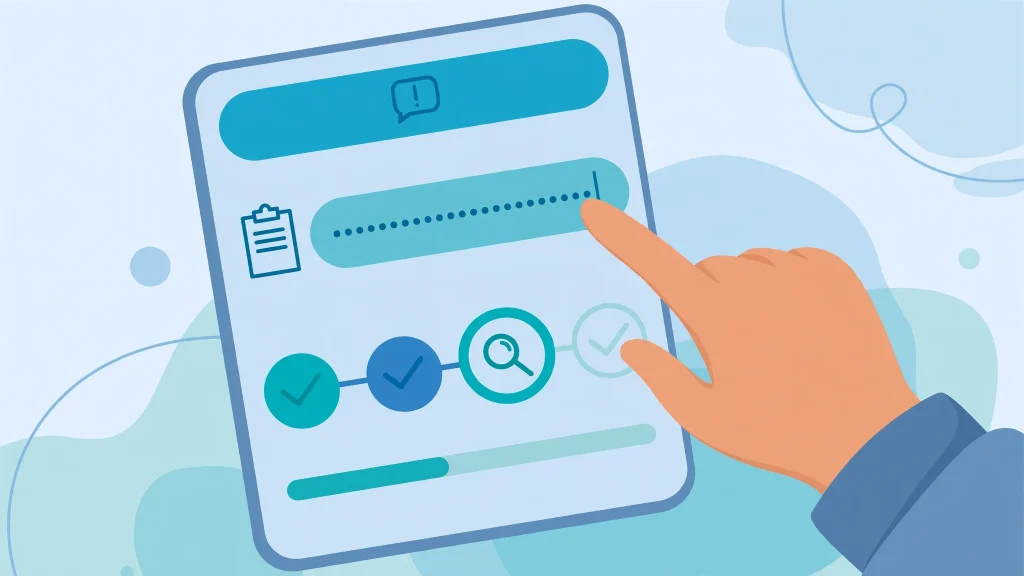
- Open the official CCMS portal at ccms.pitc.com.pk. (Make sure it’s the real PITC address — there are lookalike sites that exist only to harvest your data.)
- Find the complaint tracking option. On the portal’s home page, look for “Track Complaint” or the complaint status section.
- Enter your complaint number in the tracking field. Some versions of the page also ask for your reference number or CNIC to confirm your identity.
- Submit and read the status screen. You’ll see your complaint’s current stage: when it was registered, which office it’s assigned to, and the latest update.
A check every day or two is plenty — and a screenshot of each status change gives you proof of the timeline if you ever need to escalate.
Understanding What the Status Actually Means
The wording on the status page isn’t always obvious. Here’s what the typical stages mean in practice:
| Status | What it means | What to do |
|---|---|---|
| Pending / Received | Your complaint is registered but not yet assigned to a field team. | Wait 24–48 hours. New complaints usually get acknowledged within a day. |
| Assigned / In Progress | It’s with your subdivision (SDO) or the relevant department. | This is the work phase. Billing complaints here typically take 7–15 days; supply faults 1–2 days. |
| Field Visit Scheduled | A team is coming to your meter or the fault site. | Make sure someone is home and the meter is accessible. |
| Resolved | The department has marked the case closed. | Verify it yourself: check your meter, your supply, or your next bill before celebrating. |
| Closed / Rejected | The case was closed without action — sometimes because it was filed under the wrong category or with too little detail. | Re-file with clearer details, or escalate (see below). |
A “Resolved” status doesn’t always mean fixed. Cases sometimes get marked resolved while the problem continues — an overbilling correction that never shows up on the next bill, or a voltage issue that returns the same evening. Treat “Resolved” as a prompt to verify, not a finish line.
No Internet? 3 Other Ways to Check Your Complaint Status
No internet? During load-shedding or poor mobile data, these work better:
- Call 118. MEPCO’s general helpline. Give the agent your tracking number (or reference number) and ask for the current status and expected timeline.
- SMS 8118. You can send and receive complaint-related messages on 8118 — handy when you just want a quick confirmation without waiting in a call queue.
- Email ccms@pitc.com.pk. Slower, but it creates a written record. Include your complaint number, reference number, and a one-line description of the issue.
Keep a small log — date, method, what they told you. Two minutes of notes beats a vague memory when you’re chasing a two-week-old case.
If Your Complaint Is Stuck: How to Escalate
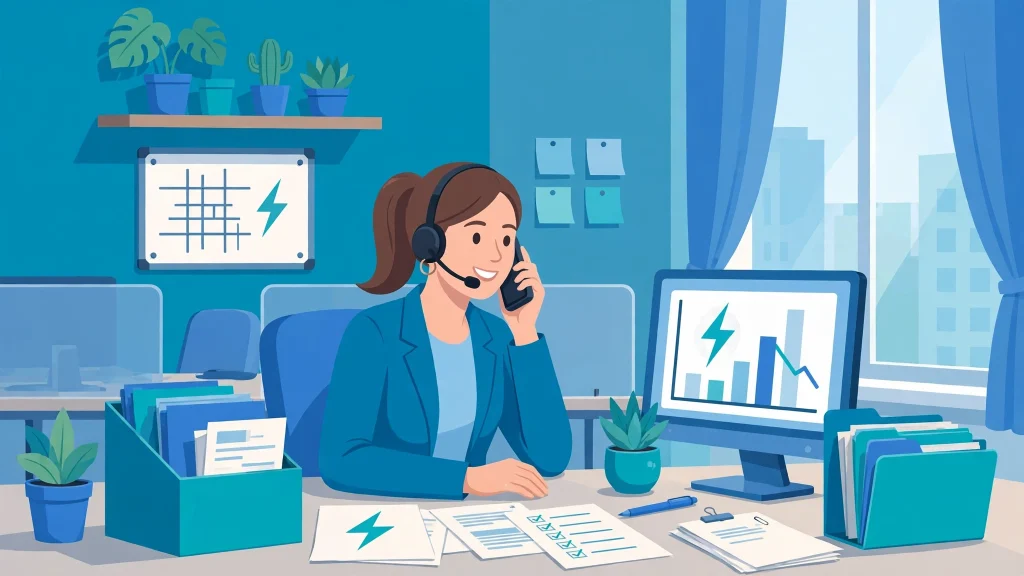
Most complaints move. But if your status hasn’t budged past the expected window, don’t just keep waiting.
Start with a follow-up complaint. File a new complaint on CCMS but reference your original tracking number so it’s linked to the same case instead of starting from zero.
Then visit your subdivision office. Take a printed copy of your bill, a CNIC copy, and your tracking number, and ask to speak directly with the SDO or Assistant Manager. Complaints that are physically followed up get resolved noticeably faster — the visit puts a face on the case number.
Finally, escalate to the regulator. Unresolved concerns can go in writing to PITC’s Quality & Assurance at qaccms@pitc.com.pk, and if MEPCO’s process stalls entirely, NEPRA accepts consumer complaints against distribution companies directly.
Tips That Make Tracking Actually Work
- Screenshot everything. The confirmation screen, every status change, every SMS. Your screenshots are your backup when the portal is down for maintenance.
- File under the right category. A meter fault filed as a “billing issue” gets routed to the wrong desk and loses days.
- Attach evidence at registration. A photo of your meter reading next to the billed reading turns an overbilling complaint into an open-and-shut case. If you’re not sure the bill is even right, run the numbers through our MEPCO bill calculator first.
- Keep the tracking number until the fix shows up in real life — on the next bill for billing cases, or at the meter for technical ones.
Frequently Asked Questions
How do I check my MEPCO complaint status online?
Go to the official CCMS portal (ccms.pitc.com.pk), open the complaint tracking section, and enter your complaint tracking number along with your reference number or CNIC if asked. The status screen shows registration date, assigned office, and the latest update.
What is the CCMS complaint number and where do I find it?
It’s the unique tracking ID generated when your complaint is registered — shown on the confirmation screen for online filings, read out by the agent when you call 118 or 0800-63726, or printed on the receipt for in-person filings. Save it immediately; you need it for every status check.
How long does MEPCO take to resolve a complaint?
Supply faults and outages are usually resolved in 1–2 days, voltage problems in 2–5 days, and billing or meter complaints in 7–15 days. New connection delays vary. If your case passes these windows with no movement, escalate.
Can I track my complaint without the tracking number?
Yes. Call 118 and give your 14-digit reference number — the agent can look up your complaint. The portal’s tracking page may also accept your reference number or CNIC as an alternative lookup.
What should I do if my complaint shows “Resolved” but the problem isn’t fixed?
Follow up right away: file a follow-up complaint referencing the old tracking number, call 118, or visit your subdivision office with your bill and the tracking number. Don’t let a wrongly closed case sit — reopen it while the trail is fresh.
Who do I contact if CCMS itself doesn’t help?
Escalate in writing to PITC’s Quality & Assurance at qaccms@pitc.com.pk, and if MEPCO’s process stalls entirely, file with NEPRA, the electricity regulator.
خلاصہ
CCMS (Customer Complaint Management System) MEPCO کی شکایات درج کرنے اور ان کا اسٹیٹس چیک کرنے کا سرکاری آن لائن نظام ہے، جو PITC چلاتی ہے۔ شکایت درج کرتے وقت ملنے والا ٹریکنگ نمبر سنبھال کر رکھیں اور ccms.pitc.com.pk پر جاکر اسٹیٹس دیکھیں۔ انٹرنیٹ نہ ہو تو 118 پر کال کریں یا 8118 پر ایس ایم ایس کریں۔ اگر شکایت مقررہ وقت میں حل نہ ہو تو متعلقہ سب ڈویژن دفتر جاکر SDO سے ملیں اور پرانے ٹریکنگ نمبر کا حوالہ دے کر فالو اپ شکایت درج کریں۔ “Resolved” لکھا ہونے کے باوجود مسئلہ حل نہ ہوا ہو تو فوراً دوبارہ رابطہ کریں — اسٹیٹس کو خود تصدیق کیے بغیر معاملہ بند نہ سمجھیں۔
Tracking your complaint is step one. If you haven’t filed one yet, start with our MEPCO complaint and CCMS guide, or check your latest bill online before you call — you’ll want the reference number handy either way.